
티스토리 뷰
-BbsMapper.xml
<select id="selectCommentByIndex"
        resultType="dev.shlee.studymemberbbs.entities.bbs.CommentEntity">
    SELECT `index`         AS `index`,
           `comment_index` AS `commentIndex`,
           `user_email`    AS `userEmail`,
           `article_index` AS `articleIndex`,
           `content`       AS `content`,
           `written_on`    AS `writtenOn`
    FROM `study_bbs`.comments
    WHERE `index` = #{index}
    LIMIT 1
</select>

<update id="updateCommentByIndex"
            parameterType="dev.shlee.studymemberbbs.entities.bbs.CommentEntity">
        UPDATE `study_bbs`.`comments`
        SET `comment_index` = #{commentIndex},
            `user_email`    = #{userEmail},
            `article_index` = #{articleIndex},
            `content`       = #{content},
            `written_on`    = #{writtenOn}
        WHERE binary `index` = #{index}
 </update>
댓글을 수정하기 위해서는 index값이 필요하다. 그렇기 때문에 selectCommentByIndex를 통해서 index값을 셀렉 해온다.
수정을 하기 위해서도 index값만이 유일성을 가지고 있으므로 조건을 index로 가진다.
- IBbsMapper.interface
CommentEntity selectCommentByIndex(@Param(value = "index") int index);

int updateCommentByIndex(CommentEntity comment);
서비스에서 값들을 가져오기 위해 인터페이스에 생성한다.
- BbsService
public Enum<? extends IResult> updateComment(CommentEntity comment, UserEntity user) {
    CommentEntity existingComment = this.bbsMapper.selectCommentByIndex(comment.getIndex());

    if(existingComment == null) {
        return CommentDeleteResult.NO_SUCH_COMMENT;
    }
    if(user == null || !user.getEmail().equals(existingComment.getUserEmail())) {
        return CommentDeleteResult.NOT_ALLOWED;
    }

    existingComment.setContent(comment.getContent());
    if(this.bbsMapper.updateCommentByIndex(existingComment) == 0) {
        return CommonResult.FAILURE;
    }
    return CommonResult.SUCCESS;
}
댓글의 존재 여부를 파악하기 위해 댓글의 인덱스를 existingComment에 넣어주고 if문을 통해 null과 같은지 비교해 준다.
매개변수로 받아왔던 UserEntity user을 활용하여 user의 존재 여부와 user의 email일이 댓글을 단 유저의 이메일과 같은지의 여부를 비교한다.
가져온 content를 set을 통해 업데이트 해준 다음,
조건문을 통해 updateCommentByIndex를 통해 가져온 existingComment가 0과 같다면 해당 글이 없다는 것이기에 FAILURE값을 돌려주고 이상이 없다면
SUCCESS값을 리턴해 준다.
- BbsController
@RequestMapping(value = "comment",
        method = RequestMethod.PATCH,
        produces = MediaType.APPLICATION_JSON_VALUE)
@ResponseBody
public String updateComment(@SessionAttribute(value = "user", required = false) UserEntity user,
                            CommentEntity comment) {

    Enum<?> result = this.bbsService.updateComment(comment, user);

    JSONObject responseJson = new JSONObject();
    responseJson.put("result", result.name().toLowerCase());
    return responseJson.toString();

}
HTTP Method 중에 PUT와 PATCH는 리소스의 업데이트를 의미한다.
PUT : 자원의 전체 수정, 자원 내 모든 필드를 전달해야 함, 일부만 전달할 경우 오류
PATCH : 자원의 일부 수정, 수정할 필드만 전송(자동 주입이 아닌 부분만 수정하는 쿼리문에서 사용)
댓글 부분만 업데이트를 하기 때문에 method를 PATCH로 사용한다.
- read.js
modifyFormElement.onsubmit = e => {
        e.preventDefault();
        if (modifyFormElement['content'].value === '') {
            modifyFormElement['content'].focus();
            return;
        }
        Cover.show('댓글을 수정하고 있습니다.\n잠시만 기다려 주세요.');
        const xhr = new XMLHttpRequest();
        const formData = new FormData();
        formData.append('index', commentObject['index']);
        formData.append('content', modifyFormElement['content'].value);
        //
        xhr.open('PATCH', './comment');
        xhr.onreadystatechange = () => {
            if (xhr.readyState === XMLHttpRequest.DONE) {
                if (xhr.status >= 200 && xhr.status < 300) {
                    Cover.hide();
                    const responseObject = JSON.parse(xhr.responseText);
                    switch (responseObject['result']) {
                        case'success':
                            alert('수정이 완료되었습니다.');
                            loadComments();
                            break;
                        case 'no_such_comment':
                            alert('수정하려는 댓글이 더 이상 존재하지 않습니다.\n\n이미 삭제되었을 수도 있습니다.');
                            break;
                        case 'not_allowed':
                            alert('해당 댓글을 수정할 권한이 없습니다.');
                            break;
                        default:
                            alert('알 수 없는 이유로 댓글을 수정하지 못하였습니다.\n\n잠시후 다시 시도해 주세요.');
                    }
                } else {
                    Warning.show('서버와 통신하지 못하였습니다. 잠시 후 다시 시도해주세요.')
                }
            }
        };
        xhr.send(formData);
    }
});
필요한 값인 index와 content를 append 해준다.
xhr을 사용하고 result값으로 case문을 사용하면 끝!

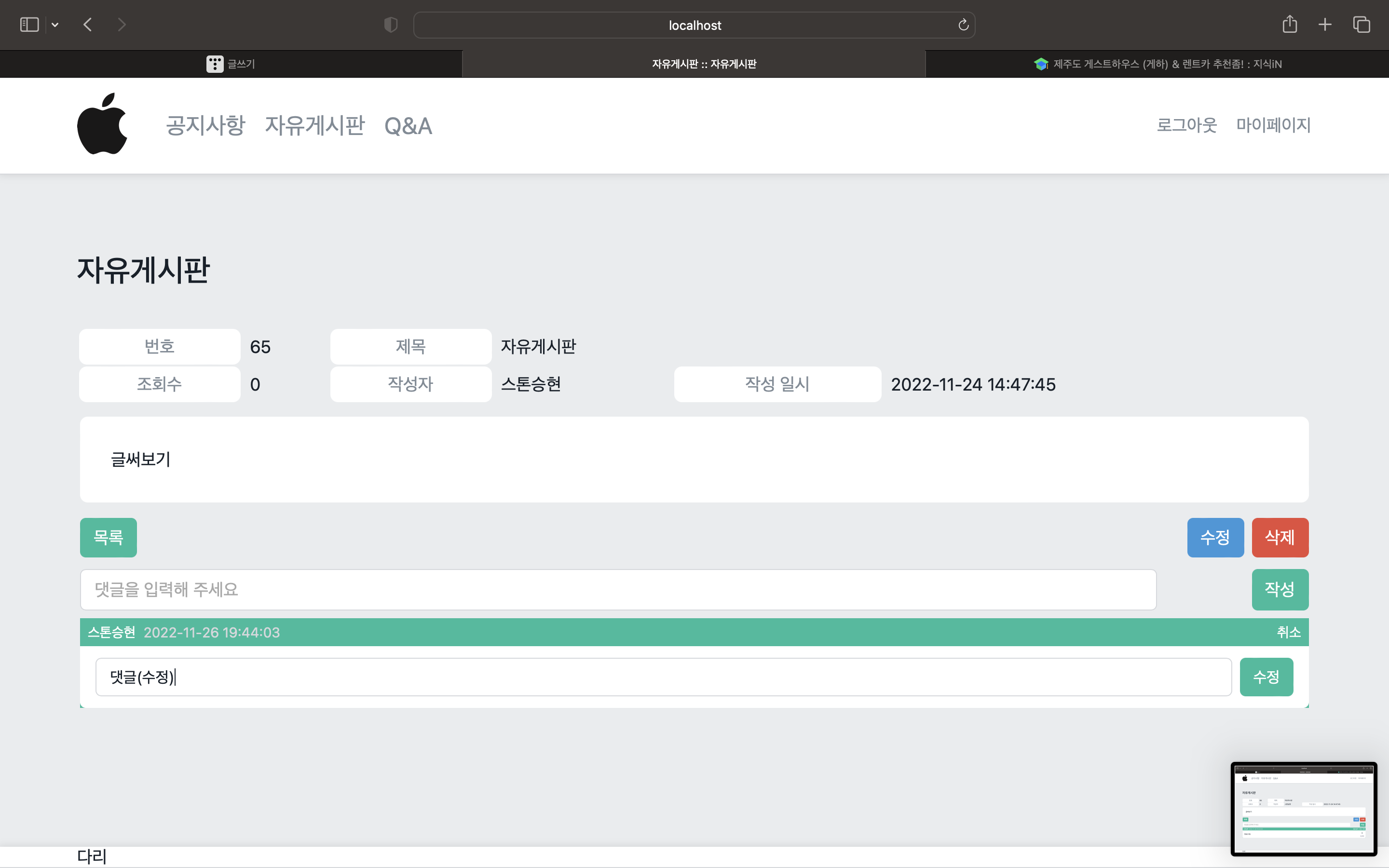
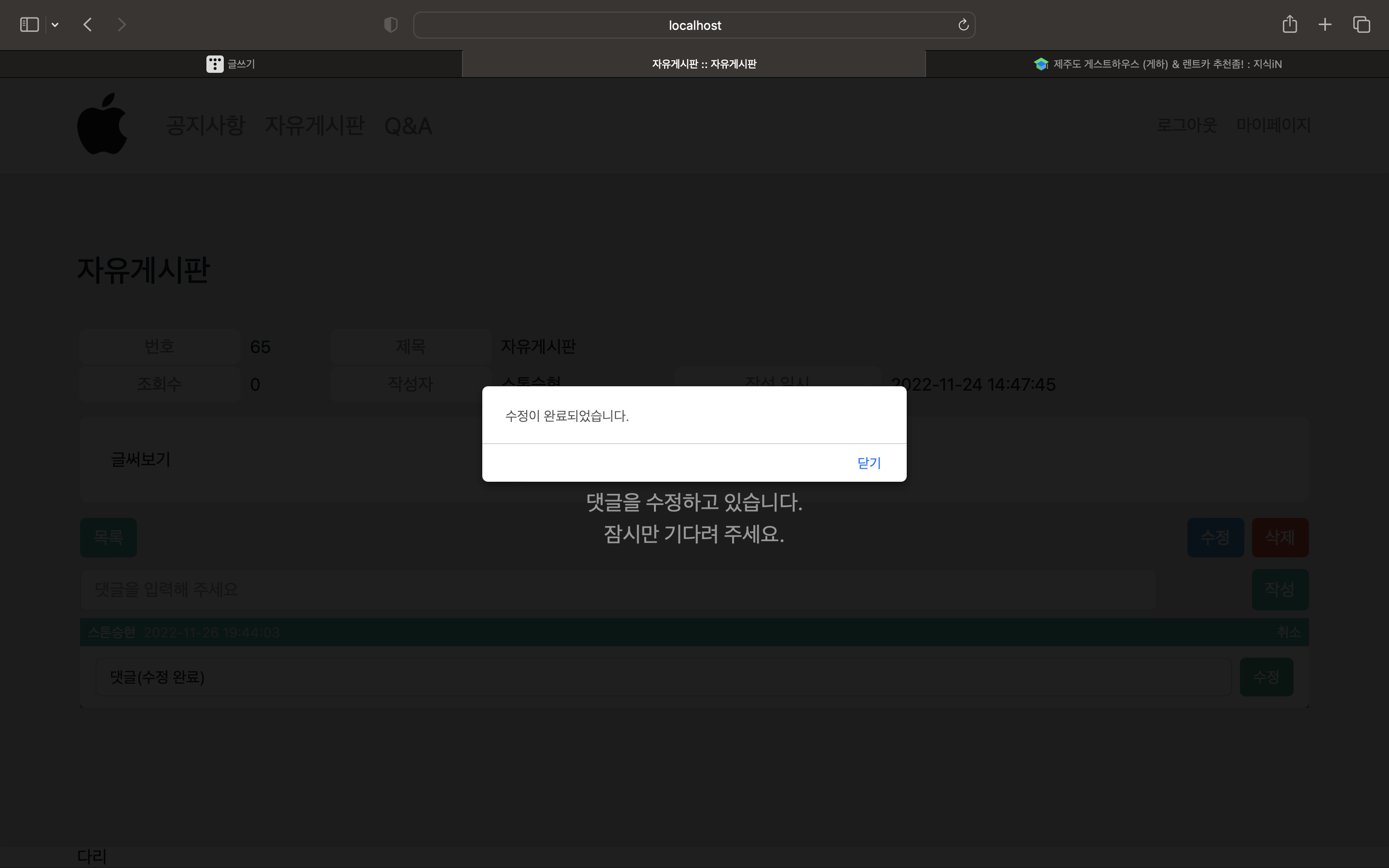

'웹 개발 > SpringBoot' 카테고리의 다른 글
| [Spring Boot] 게시판 만들기8 (게시글 수정) (2) | 2022.11.29 |
|---|---|
| [Spring Boot] 게시판 만들기6 (댓글 삭제) (0) | 2022.11.25 |
| [Spring Boot] 게시판 만들기 5 (댓글 달기 ) (2) | 2022.11.24 |
| [Spring Boot] 게시판 만들기4 (게시판 댓글 DB insert) (2) | 2022.11.21 |
| [Spring Boot] 게시판 만들기3 (게시글 Insert 하기) (1) | 2022.11.18 |